Finding Power Hogs: How to Measure Consumption with a Smart Plug
Standby drain, old appliances, devices that never switch off: here is how a smart plug with energy monitoring shows you what really uses power at home.
This article contains affiliate links (marked with *). If you buy through them, we earn a commission – the price stays the same for you. Learn more
The electricity bill arrives, the number is higher than expected, and you start wondering where it all goes. Your meter only shows the total. It won’t tell you which device is responsible for what. That’s exactly what a plug with energy monitoring is for. The Lynx walks you through a systematic approach and what to do with the numbers afterwards.
Why measuring is worth it
Plenty of devices draw power even when you’re not using them. TVs, game consoles, soundbars, printers and routers often stay plugged in around the clock. Individually that may only be a few watts, but they run 24 hours a day, 365 days a year. Newer devices have to be frugal in standby under EU rules, but older ones, and devices in so-called networked standby that are meant to wake up via app or voice command, often use more.
Then there are the devices that actually do work but use more than you’d think: an old freezer in the basement, a PC that never goes to sleep, or an aquarium pump.
How to convert readings into consumption
The basic formula is simple:
Power in watts × hours of operation = watt-hours (Wh)
1,000 Wh make 1 kilowatt-hour (kWh), the unit on your bill. An example: a device that constantly draws 5 watts in standby uses 5 W × 24 h = 120 Wh per day. Over a year that’s 120 Wh × 365 = 43,800 Wh, or about 43.8 kWh. Multiply that by the unit rate in your electricity contract and you know what that standby costs you each year.
For devices with fluctuating consumption, such as a fridge or washing machine, a single snapshot reading won’t do. You need to measure over a longer period, and that’s where a smart plug with monitoring really shines.
Typical candidates to measure
| Device | What to look for | Sensible duration |
|---|---|---|
| TV, soundbar, console | Standby value after switching off | a few hours to a day |
| PC and monitor | Idle, sleep, overnight | a normal working day |
| Fridge or freezer | Average, since the compressor cycles | several days |
| Washing machine, dryer | Consumption per programme | one complete cycle |
| Router, NAS, smart home hub | Continuous draw | one day |
| Fan heater, kettle | Peak power and usage time | one typical use |
For fridges and freezers: plug them in only for the measurement and never switch the plug off via app or schedule. TP-Link advises against running such appliances permanently through the smart plug, so plug them straight back into the wall afterwards.
Step by step
- Set up the plug: Smart plug into the wall socket, device into the smart plug, then add it to your 2.4 GHz Wi-Fi in the app.
- Measure standby: Switch the device off as usual and wait a few minutes. The value you now see is your standby consumption.
- Measure real use: Use the device the way you normally do. Don’t overdo it or hold back.
- Give it enough time: A few days at least for cycling appliances, a full run for programme-based ones.
- Write it down and move on: Note the value and take the plug to the next device.
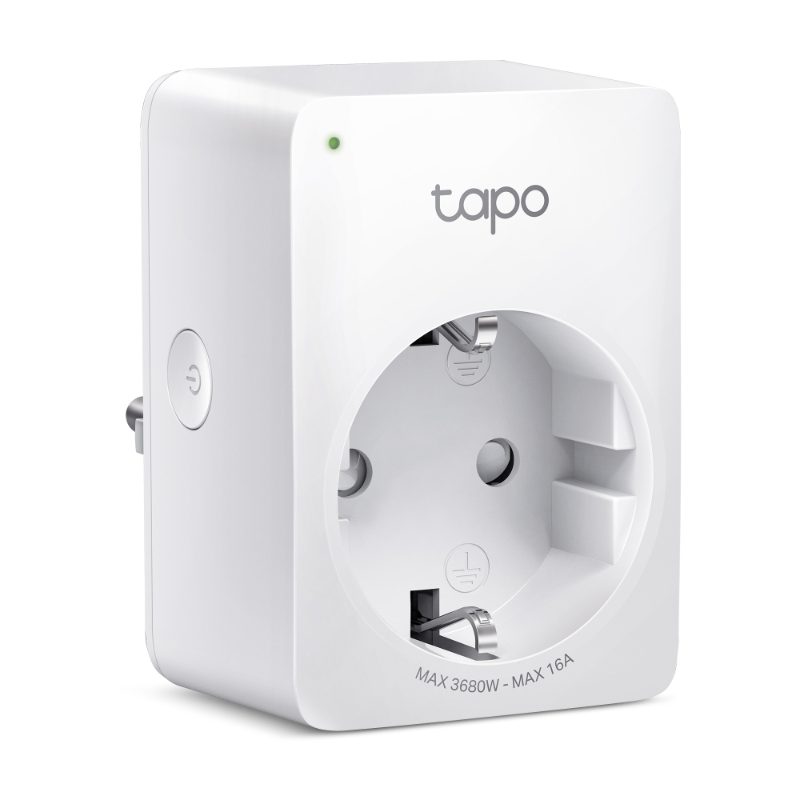
According to TP-Link, the Tapo P110 shows the current consumption in real time in the Tapo app and lets you track usage statistics over time. It handles up to 3,680 watts at 16 amps and needs no hub, connecting directly to your Wi-Fi. Worth knowing: the plug itself uses about 1.64 watts when on and 0.64 watts when off, according to the spec sheet. That doesn’t matter when you’re hunting power hogs, but as a permanent fixture in front of a device with a tiny standby draw it won’t always pay off.
One plug or several?
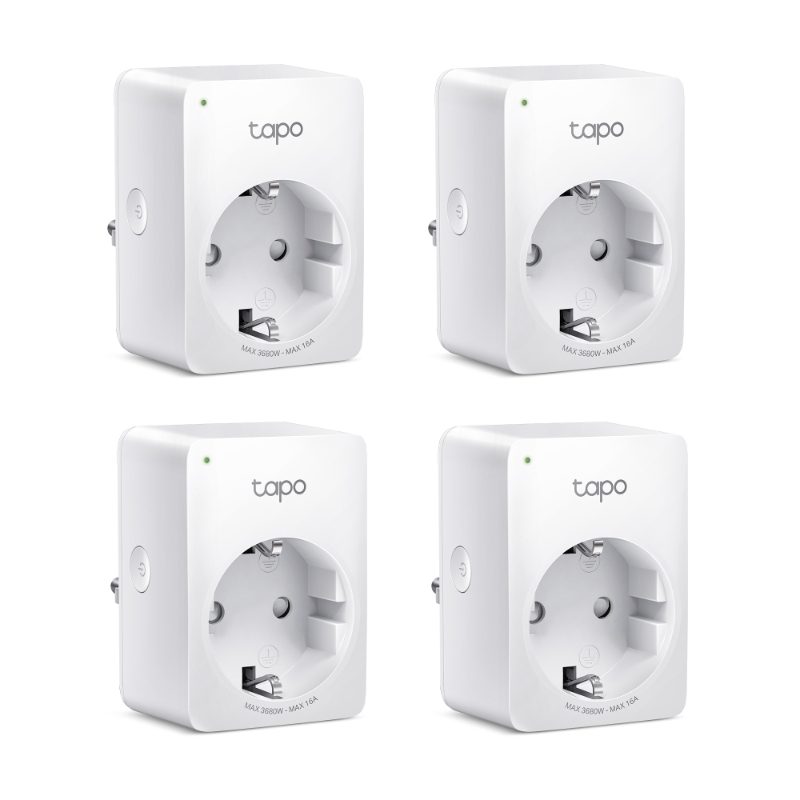
With a single plug you go through your devices one by one. That takes a while but only costs patience. If you want the full picture faster, measure in parallel: with the Tapo P110 4-pack you can monitor the TV corner, your desk, the washing machine and the coffee maker at the same time and compare the readings side by side in one app.
P110 or P100: measure or just switch?
The two look alike but do different things:
| Tapo P110 | Tapo P100 (V2) | |
|---|---|---|
| Energy monitoring | yes, in the app | no |
| Max load according to TP-Link | up to 3,680 W / 16 A | up to 2,300 W / 10 A |
| Schedules, away mode | yes | yes |
| Hub required | no | no |
| Voice control | Alexa, Google Assistant | Alexa, Google Assistant |
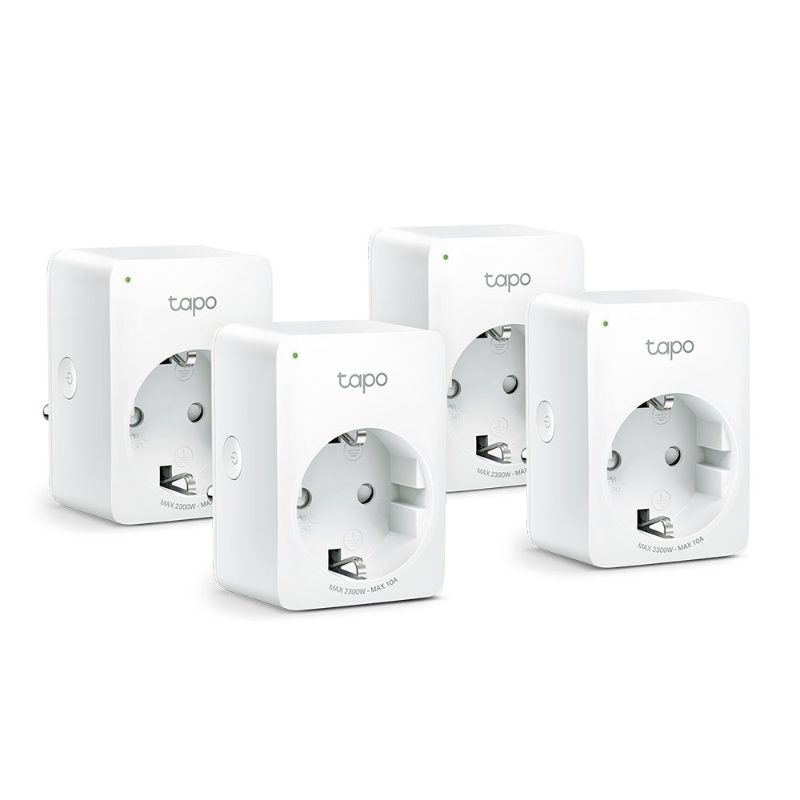
The Tapo P100 4-pack is the right choice if you already know where your power hogs are and simply want to cut them off automatically. To find them, you need the P110. A sensible combination: measure with a P110, then use P100s wherever you only need switching. Keep the P100’s lower load rating in mind; it isn’t meant for fan heaters and similar appliances.
What to do with your readings
Measuring alone saves nothing. What counts is what happens next:
- Cut standby: Switch devices off completely on a schedule when they’re not needed at night or during the day. Be careful with devices that fetch updates or record in standby, such as a TV receiver with recording.
- Check your habits: Does the PC run all night? Does the console stay in instant-on mode? Often a setting on the device itself is enough.
- Assess old appliances: If the old second fridge draws a lot, use the formula above to work out its annual consumption. That gives you a solid basis for deciding whether replacing it makes sense or whether it can go altogether.
- Keep a record: A short list with device, standby value and annual consumption helps when you compare later.
Checklist for your power hog hunt
- Router offers 2.4 GHz and reaches the measuring spot
- Plug with energy monitoring, not just a switching plug
- Record standby and active use separately
- Measure cycling appliances over several days
- Project annual use with watts × hours
- Never switch off fridges or freezers via app or schedule
- Decide on a concrete action after measuring
The Lynx’s final tip: start with the devices that are always plugged in. That’s usually where the biggest surprise is waiting.